
THE CUBIXDOMAINS KNOWLEDGE CENTER
A little knowledge.
A lot more possibility.
Understand the systems behind your business. Follow the evidence. Find a clearer next step.
Find your next answer ↓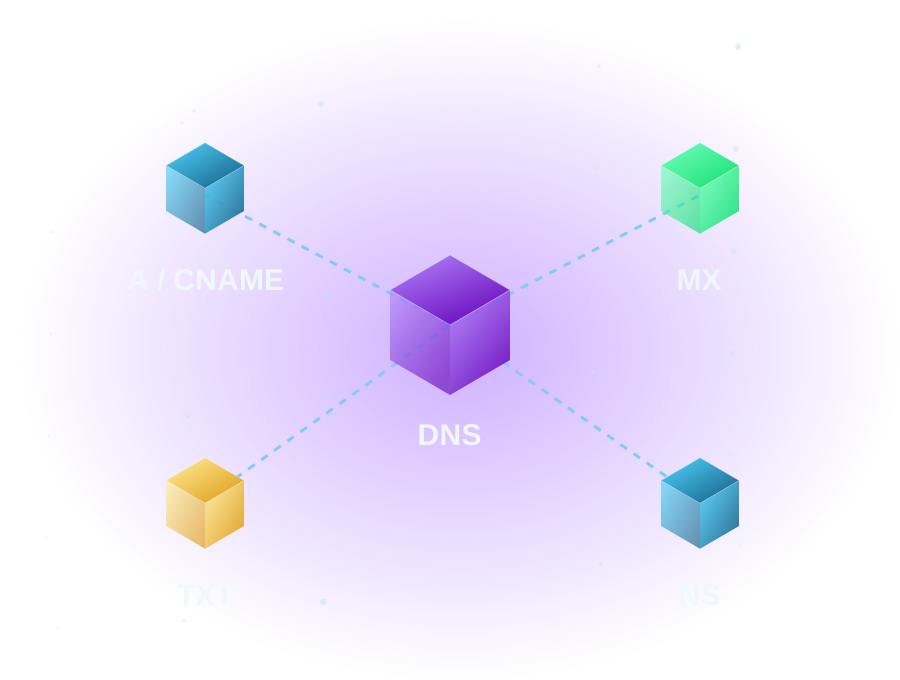
PRACTICAL ANSWERS, CONNECTED
Explore the library.
25 guides available.
DNS Explained: A, CNAME, MX, TXT and NS Records
Understand DNS record types, website and email dependencies, authoritative answers, caches and safe troubleshooting.
Read the guide →
Code Signing: Understand the Signature
Inspect software signatures safely and understand retired signing products without relying on obsolete sales offers.
Read the guide →Dedicated IP Addresses: Benefits and Limits
Learn when a dedicated IP matters, what it does not guarantee and how to check eligibility safely.
Read the guide →Domain Backorders: Retirement and Next Steps
Understand retired domain backorders, existing-account questions and appropriate next steps for finding a domain.
Read the guide →DV, OV and EV: Identity Checks and Hostname Coverage
Separate certificate identity validation from SAN and wildcard coverage, with honest availability limits.
Read the guide →Find the Right Starting Point for Your Online Business
Explore domains, hosting, email and security by customer need, with clear account and legacy-resource guidance.
Read the guide →Getting Started with cPanel Hosting
Set up your hosting account, document root and first website safely, without disrupting existing email.
Read the guide →How to Avoid Downtime During a Website Migration
Reduce migration risk with parallel preparation, deliberate DNS changes, health checks and a clear rollback boundary.
Read the guide →How to Back Up and Restore a Website
Build a practical recovery plan for website files, databases and configuration, then verify that the backup can be restored.
Read the guide →How to Create Email Accounts in cPanel
Create and test a hosted mailbox, choose the right mail routing, and configure clients securely.
Read the guide →How to Install and Troubleshoot SSL Certificates
Inspect the served certificate, distinguish trust and hostname failures, and plan a reversible installation.
Read the guide →How to Point Your Domain to a Website
Connect apex and www hostnames to your web host while preserving email records, HTTPS and a practical rollback path.
Read the guide →How to Set Up Microsoft 365 Email with Your Domain
Prepare mailboxes, verify your domain and switch Microsoft 365 mail routing without overlooking existing email.
Read the guide →How to Troubleshoot DNS Propagation
Compare authoritative and cached DNS answers, identify delegation problems and avoid repeated edits that prolong troubleshooting.
Read the guide →Migrating Business Email Without Losing Messages
Plan a controlled business email migration with mailbox inventories, synchronization checks and a safe overlap window.
Read the guide →Moving WordPress to a New Hosting Provider
Move WordPress files and its database together, test the destination and preserve a reversible cutover.
Read the guide →Plan a VPS Around Your Workload
Compare operating systems, virtual resources, management and recovery without relying on a historical plan name.
Read the guide →SPF, DKIM and DMARC Explained
Learn how sending authorization, message signatures and domain alignment work together, with safe read-only checks.
Read the guide →Troubleshooting Outlook Connection Problems
Separate a mailbox or service problem from an Outlook app problem before changing profiles or credentials.
Read the guide →Understanding File Manager, FTP and Website Files
Find the right document root, transfer website files securely, and avoid common permission and overwrite mistakes.
Read the guide →Understanding MX, SPF, DKIM and DMARC for Microsoft 365
Check Microsoft 365 routing and authentication with tenant-specific DNS values, alignment and safe rollout steps.
Read the guide →Understanding Website Redirects: 301, 302 and 404
Choose permanent or temporary redirects, handle missing pages honestly, and test Apache rules without loops.
Read the guide →Website Migration Checklist: Before, During and After
A practical migration runbook covering files, databases, DNS, email, testing and rollback.
Read the guide →When a Dedicated Server Fits
Understand physical versus virtual allocations, operating responsibilities and evidence-based server planning.
Read the guide →Windows Hosting: Plan Around Application Compatibility
Understand Windows application compatibility, Plesk and server responsibilities before planning a hosting move.
Read the guide →No matching guides available. try another topic or clear your search.
FOLLOW YOUR CURIOSITY
Seven ways into
a connected world.

Microsoft 365 & Business Email
Understand authentication, delivery, and the connections behind business email.
Explore this topic →4 guides availableDomains, DNS & Troubleshooting
Follow the records that connect a memorable name to your services.
Explore this topic →5 guides available
Website Hosting & cPanel
Make informed hosting choices and understand the tools behind your website.
Explore this topic →4 guides availableSSL Certificates & Security
Understand encrypted connections, maintenance, and practical protection.
Explore this topic →3 guides available
Website Configuration & Migration
Plan changes with the whole website and email system in view.
Explore this topic →4 guides available
Windows, Linux & VPS Hosting
Match operating systems and server responsibilities to application requirements.
Explore this topic →4 guides available
Getting Your Business Online
Start with a name, a plan, and a clear next step for your business.
Explore this topic →1 guide availablePut your next step in focus.
Explore the tools—or use the hosting advisor to narrow your requirements.
Try the hosting advisor →Search the whole site →