
THE CONNECTIONS BEHIND YOUR BUSINESS
How to Point Your Domain to a Website
Connect apex and www hostnames to your web host while preserving email records, HTTPS and a practical rollback path.
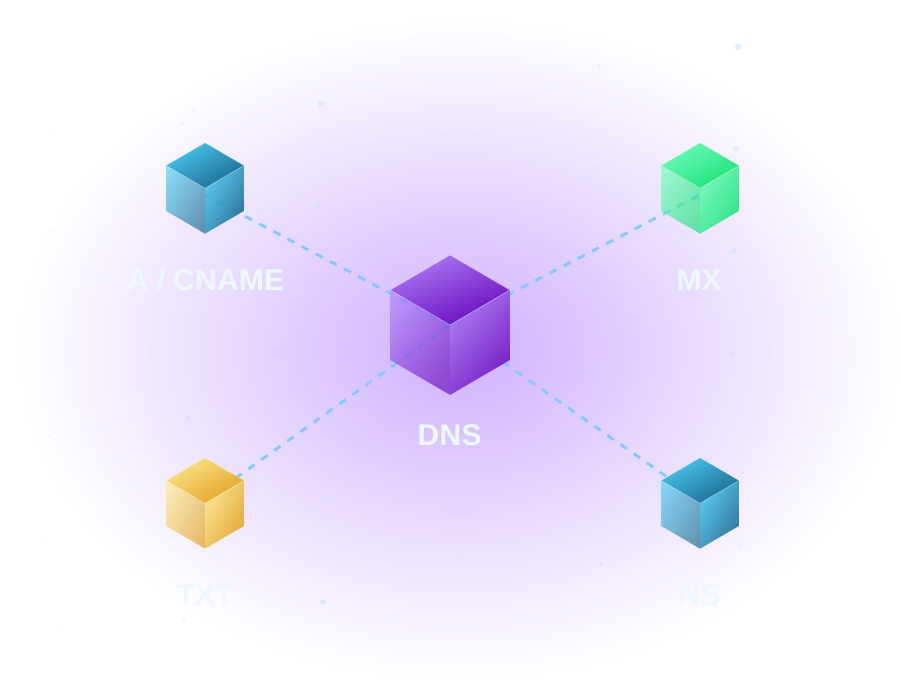
Connecting a domain usually requires a small DNS change, not moving every service. Ask the website host for the exact record names, record types and destination values. Never copy an address from an unrelated tutorial.
Start here: record change or nameserver change?
If the existing DNS provider can publish the required A, AAAA or CNAME records, you may be able to retain its nameservers. Changing nameservers delegates the whole zone and needs a complete website/email inventory. A domain transfer between registrars is a different operation and is not normally required just to point a website.
1. Prepare the website first
Add the domain to the destination host and identify its document root or site mapping. Upload the intended site and test it using the host’s supported preview method. Prepare a valid certificate for the actual hostnames. A shared IP address alone does not tell the server which website to show. Review the host’s domain mapping controls and its certificate requirements.
2. Save the current DNS configuration
Record apex/www A, AAAA and CNAME answers, nameservers and TTLs. Save MX, SPF, DKIM, DMARC, verification TXT and service records too. Identify whether a hostname used by MX also points to the old web-server address: moving that address can inadvertently move mail.
Resolve-DnsName your-domain.example -Type A
Resolve-DnsName your-domain.example -Type AAAA
Resolve-DnsName www.your-domain.example -Type CNAME
Resolve-DnsName your-domain.example -Type MX
These commands are read only. Missing AAAA or a different www record type can be intentional; compare with your saved design.
3. Make the smallest authorized change
Use the authoritative DNS provider. Set only the host-requested website records. For example, a host might request an apex A record and a www alias; this is not a universal recipe. Ordinary CNAME records cannot coexist with other record data at the same name. Apex alias/flattening products are provider-specific; follow their documentation rather than deleting required apex MX/TXT records to force a CNAME. Cloudflare explains ordinary CNAME restrictions.
Remove or replace an old website AAAA only when the host’s intended IPv6 configuration is confirmed. Leave unrelated email and ownership records unchanged. DNS aliases do not create browser redirects: choose the preferred hostname in the web-server/application settings after both names have working HTTPS.
4. Validate before retiring the old host
Check authoritative and recursive answers, then test both hostnames from an external connection. Confirm certificate coverage, images, contact forms and any database-backed submissions. Send and receive a harmless email test if shared DNS dependencies could be affected. A valid HTTPS response is one check, not proof that the full application works.
If the destination fails acceptance checks, restore the saved website records and keep both hosts available while caches converge. A DNS rollback is not instantaneous. Use the propagation troubleshooting guide instead of repeatedly changing records.
Official references
Documentation checked 2026-10-18. Examples use reserved names and addresses; replace placeholders only for systems you are authorized to manage. Interfaces and included features depend on your provider and account.
WHEN IT FITS YOUR NEXT STEP
Explore domain registration for your next step.
Search domain names for your business, side project or personal website. Compare extensions and check availability before you register.